
About this case study
This describes a repeatable release-marketing process, not a reported customer result or a promise that any single update will bring lapsed users back.
Every release is content you have already paid for
In 2026 the build is rarely the bottleneck. With Lovable, Bolt, Cursor, v0, or Replit you can ship three or four real improvements in a week. What almost nobody does is tell anyone. The work lands, the git log grows, and the only people who notice are the ones already staring at the app.
A changelog is the cheapest content you will ever write, because the thinking is finished before you open the editor. You are not inventing a topic. You are reporting one. The only decision left is whether you write it as a diff or as an outcome.
A diff says: “Added bulk CSV export.” An outcome says: “You can now pull a month of results into a spreadsheet in one click, so the client report stops being a retyping job.” Same release, completely different reader. The first line is written for you. The second is written for someone deciding whether your app is worth opening again.
Written as outcomes, a changelog does two jobs at once. It reaches the lapsed user who left precisely because the missing thing is now there. And it shows a first-time visitor something a landing page cannot fake: a product that is visibly moving.
The changelog entry template
Every entry answers the same questions in the same order. Four short lines, one screenshot, one link:
- What changed, in one sentence someone outside the codebase would understand. No internal names, no ticket numbers, no “refactored the sync layer”.
- Who it is for, described as a behaviour rather than a plan tier: “if you review posts on your phone”, “if you run more than one brand”.
- What they can now do that they could not do last week. This is the line that earns the click, so write a capability, not a feature name.
- Why it matters in one clause: the annoyance it removes, the step it deletes, the workaround it retires.
- One screenshot or short clip of the thing itself, cropped tight to the change. A picture of the new state beats any adjective you could put next to it.
- One link, straight to the screen where the change lives. Not the homepage — people will not go looking.
Which releases deserve a public post
Not all of them. If every dependency bump becomes an announcement, your audience learns that your posts are safe to skip, and the one release that mattered gets skipped along with the rest. Restraint is what keeps the channel worth reading.
The rule is narrow enough to apply in five seconds: a release earns a public post when it changes what someone can do, removes a stated reason someone left, or is visible the moment they open the app. Everything else — bug fixes, performance work, copy tweaks — belongs in the changelog page but does not get its own post.
For a weekly shipper that usually settles into a simple split. Everything goes into the changelog entry. Roughly one release a week clears the bar for a public post. Once a month, the small ones get bundled into a single “what shipped in August” recap so the invisible work still gets a moment.
If nothing clears the bar in a given week, do not manufacture an announcement. Post something else: a decision you reversed, a constraint you hit, a question you are stuck on. Your build-in-public cadence is what carries the weeks the roadmap does not.
Turn one entry into one post per network
The entry is the source. Each network gets the same news in its own shape — never the same block of text pasted three times:
- Instagram: lead with the visual. The cropped screenshot or a five-second screen recording is the post; the caption names who it is for and what they can now do.
- Threads: write it conversationally, the way you would tell the person who asked for it. “You asked for this. It is live.” Then leave the thread open and answer what comes back.
- X: the shortest version that still stands alone. One line on the capability, the screenshot, the link. Push the reasoning into a reply rather than the first post.
- Keep the same destination link across all three, so you can tell which network actually sent people to the new screen.
- Write all three in the same sitting, while the release is still fresh. Coming back to it two days later reliably turns an outcome back into a diff.
The weekly workflow, end to end
Give the loop fixed days so it survives a busy week. Ship Wednesday. Write the entry Thursday, while you still remember why you built the thing. Post Friday morning, and keep the afternoon free to answer people. Four calendar slots, no decisions to re-make.
In Amplispect, the entry goes into the composer once and becomes the source for all three versions. The per-network preview shows how the caption and the screenshot will actually render on Instagram, Threads, and X before anything is queued, and validation catches the caption that runs past a network limit or the image that is the wrong shape — the two failures that normally get discovered live.
Schedule the set instead of publishing by hand. A release post that goes out at a chosen time is a release post you can prepare on Thursday and still be present for on Friday, which matters more than the exact hour you pick.
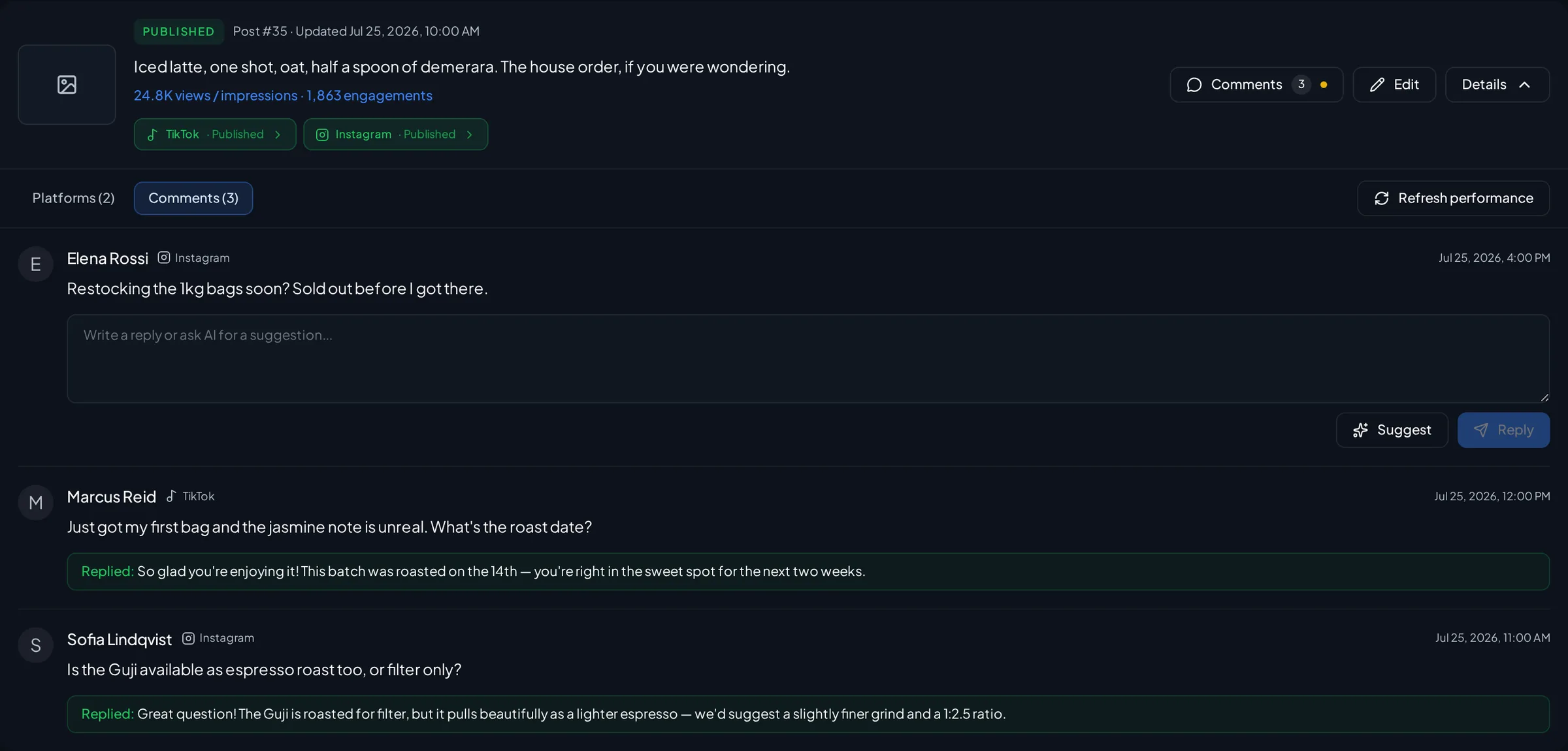
Then the replies come back into one queue rather than three apps. Amplispect syncs supported comments into the workspace and can draft a response, but nothing goes out until you have read and approved it. Answering the first questions on a new feature within the hour is the whole point of clearing the Friday afternoon.
After a quarter, look back across the release posts and ask which kinds of update drew real replies. Founders are usually surprised: the small annoyance that vanished often outperforms the flagship feature, because more people had actually felt it. That signal belongs in the next roadmap, not just the next caption.
What this realistically produces
After a quarter of weekly shipping you have roughly twelve release posts, a changelog page that reads like a product with momentum, and a record of which kinds of update people actually reply to. That record is the valuable part: it tells you what to announce next and, often, what to build next. Returning users and sign-ups stay outcomes to measure, not numbers this process can promise.
The guardrail
Never announce something that is not fully live for the person who clicks. A release post that lands on a feature flag, a waitlist, or a screen that looks nothing like the screenshot costs more trust than the update earns back. Ship it, screenshot the shipped thing, then post.
Go deeper
Where release posts fit into the rest of your distribution:
- Turn Your Landing Page Into 30 Days of Social PostsMine the pages you already have for the weeks when nothing ships.
- Build in Public: A Posting Cadence That Gets Users, Not Just FollowersThe posting rhythm that carries the weeks between releases.
- Your First 10 Posts About Your App When You Have No Users or TestimonialsWhat to post before you have a changelog worth announcing.
- How to Grow Your App With a Weekly Acquisition LoopHow a weekly release turns into a repeatable acquisition loop.
- How to Distribute an App: The Complete Guide for Founders Who Have Built SomethingThe full picture of getting an app in front of people after you build it.
- Social media schedulerDraft the release once, preview it per network, and schedule the whole set in one pass.
- Comment managementBring every reply to a release post into one queue you review before answering.
Frequently asked questions
What should a changelog entry include?
What changed in plain language, who it is for, what they can now do that they could not before, why it matters, one screenshot of the change, and a link to the exact screen. Version numbers and internal names are optional; the capability is not.
Should you post on social media about every product update?
No. Post when a release changes what someone can do, removes a reason someone left, or is visible the moment they open the app. Bug fixes and performance work belong in the changelog page, and can be bundled into a monthly recap post.
How do you announce a new feature on social media?
Write the outcome first, then reshape it per network: a visual-led post on Instagram, a conversational one on Threads, and the shortest standalone version on X. Keep the same destination link on all three so you can see which network sent traffic.
Are release notes actually good marketing?
They are, when they are written for users instead of for the team. Release notes are the only content where the work is already done, they give lapsed users a concrete reason to return, and they show new visitors that the product is still being improved.